 Abilevate

What Abilevate does
Abilevate turns a plain-language description into a working web app in about two minutes. You use it on your phone or computer, keep improving it by chatting, share it with a link, and download its code whenever you like. No coding, no setup.
For anyone who needs a small app of their own: a gaming crew planning its nights, a family sharing chores, a club taking sign-ups, a teacher running a quiz, someone tracking a habit or a budget.
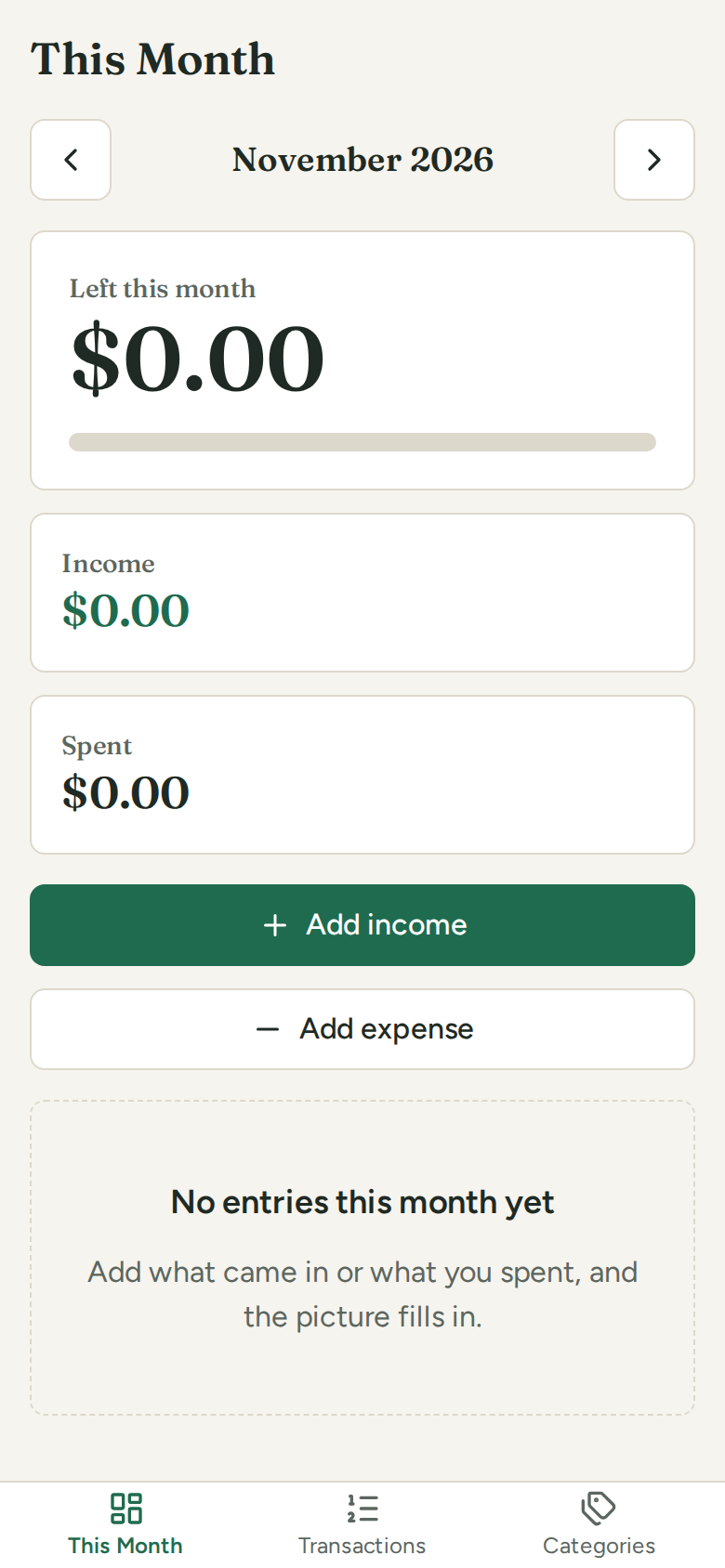
A monthly budget
“A budget tracker: income, spending by category, what’s left this month.”
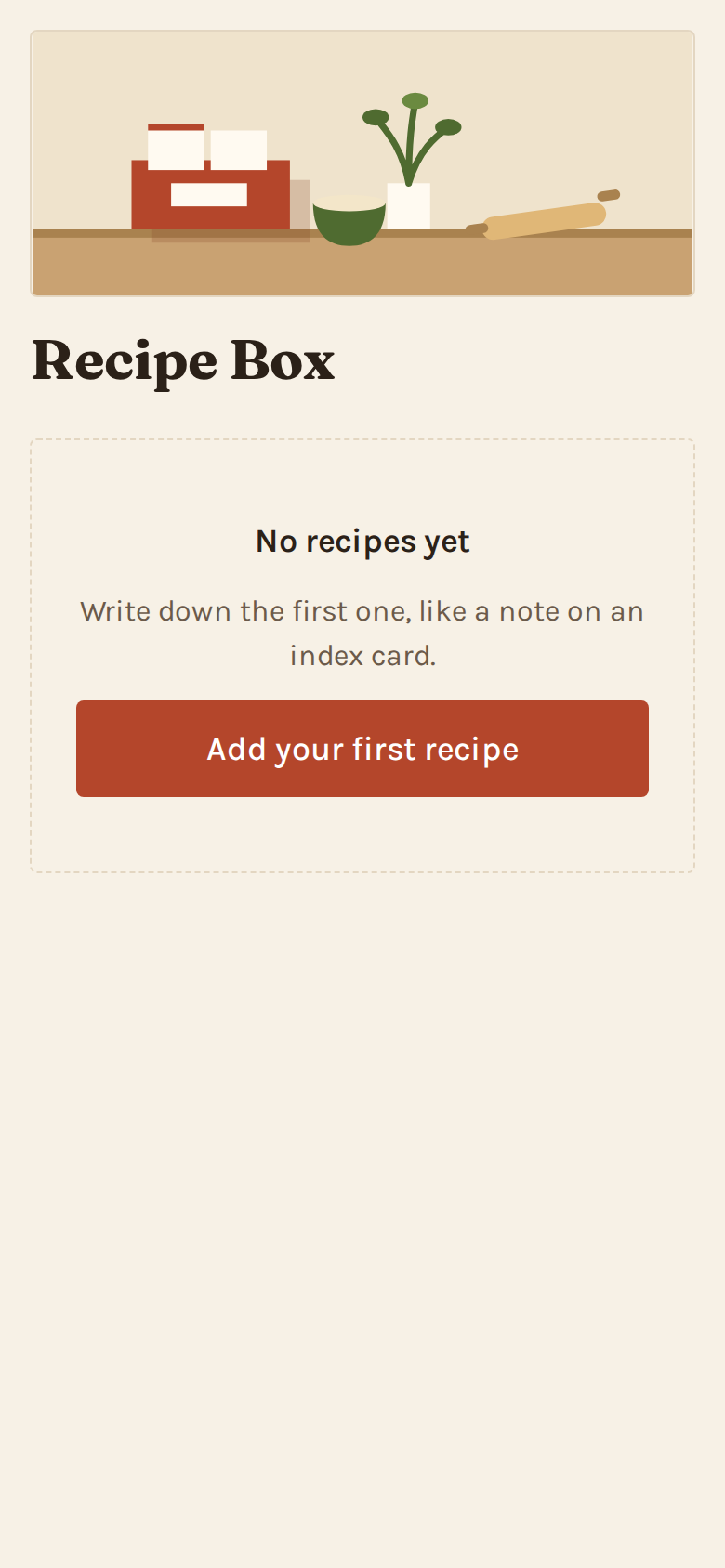
A recipe box
“A recipe box where I keep recipes with ingredients and steps.”
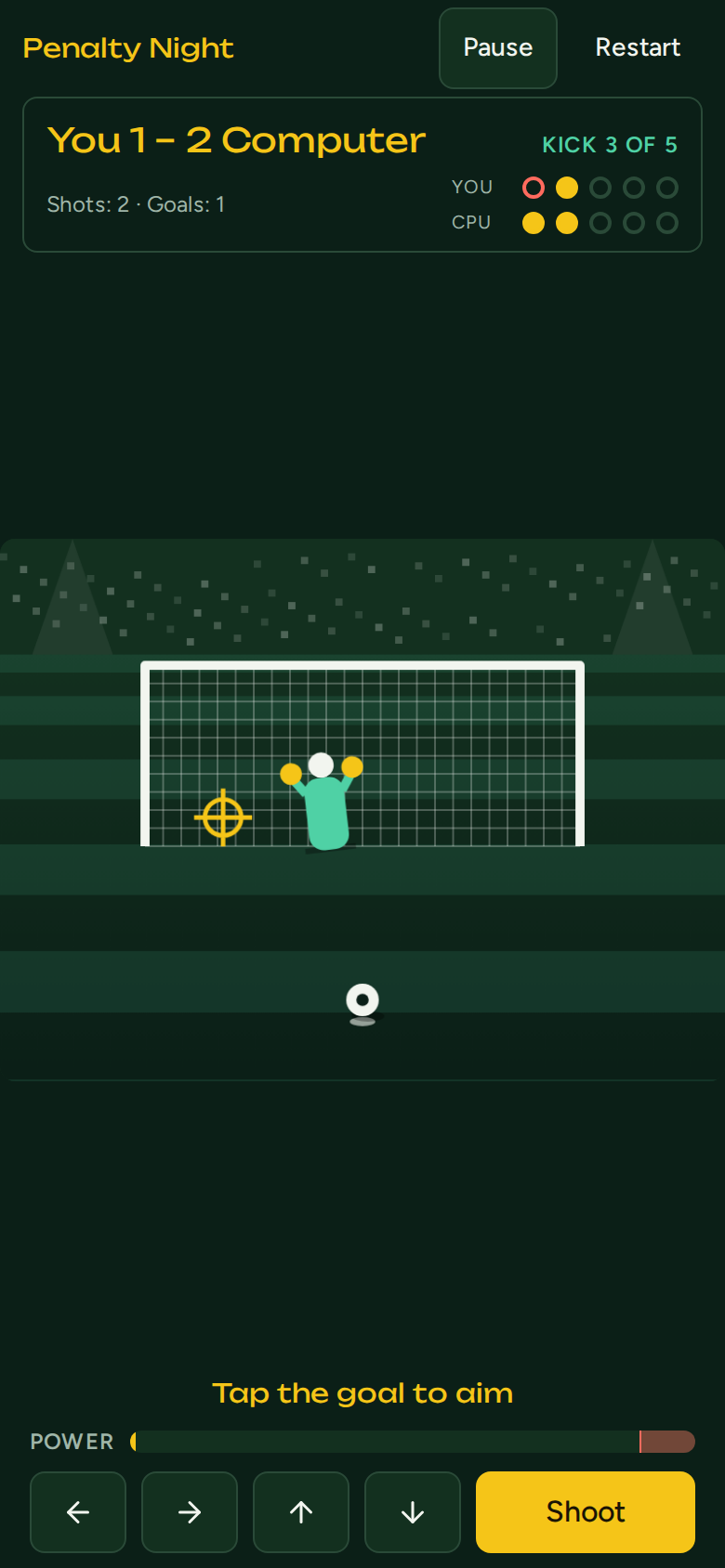
A penalty shoot-out game
“A penalty shoot-out game against the computer: tap to aim, a moving goalkeeper, difficulty levels.”
Crew apps, one tap away
The crew apps arrive at launch. Check back soon.
Build your own meanwhileUnofficial companion — not affiliated with Rockstar Games.
Put it on your home screen
Open an app, then add it like any other app. It starts full screen, no store needed.
iPhone and iPad
- Open this page in Safari.
- Tap Share (the square with an arrow).
- Tap “Add to Home Screen”, then “Add”.
Android
- Open this page in Chrome.
- Tap the menu (⋮).
- Tap “Install app” (or “Add to Home screen”).
Build your own
Describe the app your crew needs in plain words. You get a working app in about two minutes, then shape it by chatting.
3 free build points a month: a small app uses 1, a medium app uses 2. When we’re busy, you join a short waitlist.
How it works
Pick or describe
Open a ready-made app, or say what yours should do and who it is for.
Use it, then refine it
Ask for changes in the chat: “bigger buttons”, “add a weekly chart”. Every version is kept.
Share it
Send your crew a link. They open it at once, no sign-up. Hosting is free to start; see pricing.